 投稿者:
投稿者: 

Flux.2 Devが11月25日にリリースされましたので、手持ちのM1Max MacBook Pro (64GB) でのローカル動作を試してみました。
Comfyuiをアップデートしたら、エラーでうまく動かなくなってしまったので、Pinokio含め、最新版を再インストールしました。
Pinokio最新版はアイコンやUIなど変わっていますね。

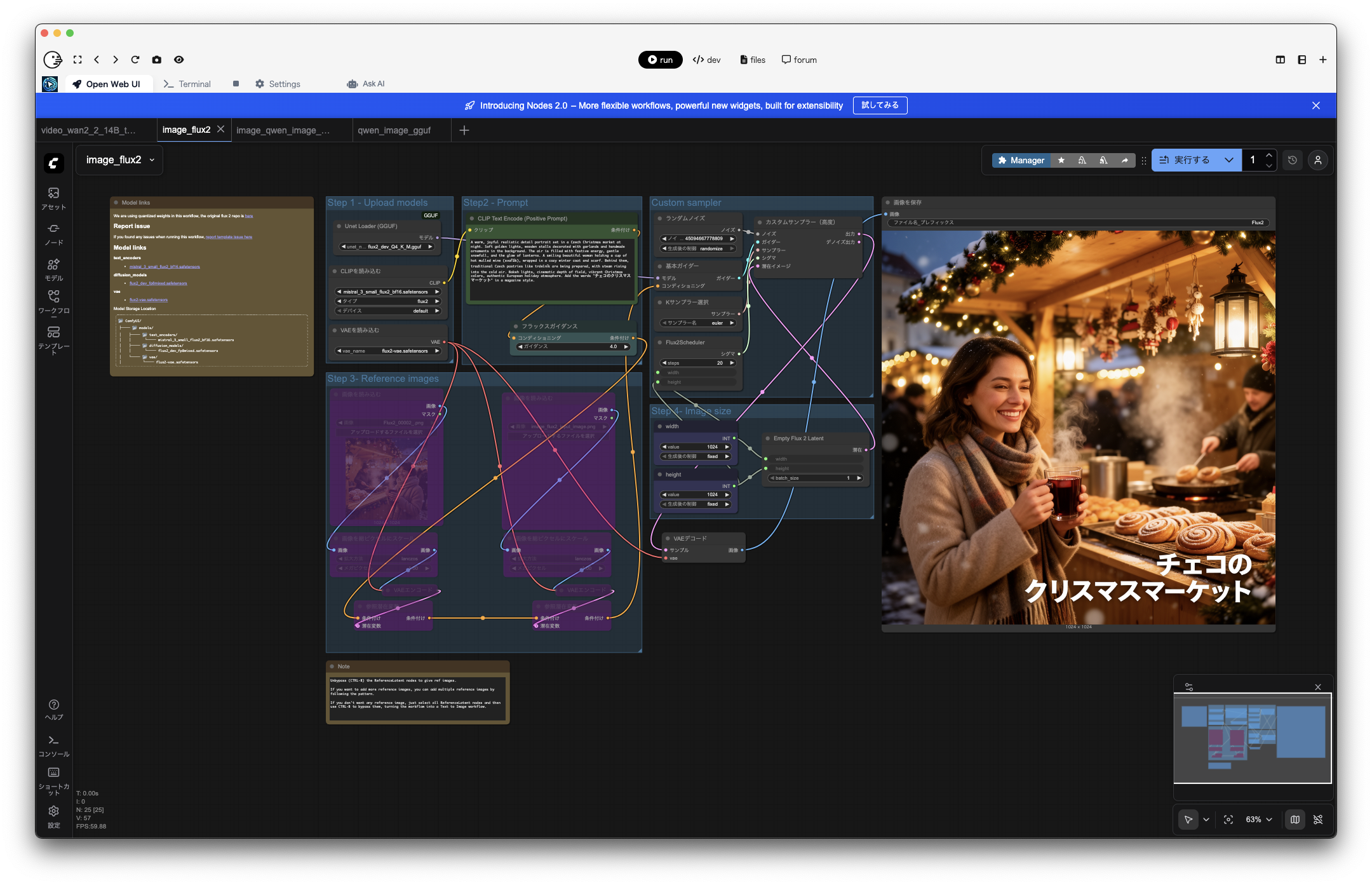
ワークフローテンプレートにFlux.2 Devが追加されているのでそれを選びます。ただし、そのままだと、Macでは動かないので、好きなGGUFモデルをこちらからダウンロードし、diffusion_modelsフォルダに配置します。その他のモデルはそのまま使えます。

ManagerでComfyui-GGUFをInstallして再起動し、拡散モデルを読み込むをノードを追加>bootleg>Unet Loader (GGUF) を選んで、「Unet Loader (GGUF)」に置き換えます。(詳しくはこちらの記事を参考にしてください)
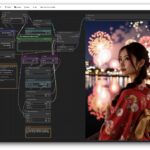
Flux.2 Devで参照画像をOFFにしてプロンプトのみでチェコのクリスマスマーケットの画像を生成してみました。

flux2_dev_Q4_K_M.ggufを使い、M1Max MacBook Pro 64GBで、1024×1024の画像生成したところ、約30分かかりました。日本語の文字もちゃんと書けていますね。かなりリアルに表現できています。
プロンプト: A warm, joyful realistic detail portrait set in a Czech Christmas market at night. Soft golden lights, wooden stalls decorated with garlands and handmade ornaments in the background. The air is filled with festive energy, gentle snowfall, and the glow of lanterns. A smiling beautiful woman holding a cup of hot mulled wine (svařák), wrapped in a cozy winter coat and scarf. Behind them, traditional Czech pastries like trdelník are being prepared, with steam rising into the cold air. Bokeh lights, cinematic depth of field, vibrant Christmas colors, authentic European holiday atmosphere. Add the words “チェコのクリスマスマーケット” in a magazine style.

比較用に同じプロンプトをQwen Imageでも試してみました。

Qwen_Image-Q4_K_M.ggufで、1024×1024の画像生成に8分くらいでした。こちらはやはり日本語は表現できません。Flux.2と比べると少し絵画っぽいですね。

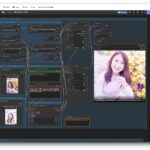
Flux.2 Devの画像編集機能も試してみました。先程生成した画像を参照画像として、室内のクリスマスパーティーの写真を生成してみます。

こちらは生成に約68分かかりました。プロンプトのせいだと思いますが、元画像を参照しているのかは少し分かりにくいですね。
プロンプト: A warm and joyful indoor Christmas party portrait. Soft golden lighting, decorated living room with a Christmas tree, twinkling string lights, festive ornaments, wrapped gifts, and cozy holiday atmosphere. People smiling and enjoying the celebration, holding drinks or small presents, natural candid expressions. Shallow depth of field, high-quality portrait photography, soft bokeh, warm tones, cinematic look.

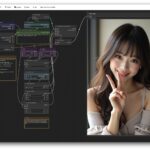
もう少し明らかに参照画像を使って画像編集する例と試してみました。元の画像をフィギュア化してクリスマスケーキの上に載せてみました。

こちらも生成に約60分かかりました。元の画像の女性をなかなかのクオリティでフィギュア化してくれました。文字まで残ってしまったのと、ケーキの飾りがケーキっぽくないですがw
プロンプト: Transform this woman of image1 into a photorealistic PVC anime figure. Keep the original character’s design, pose, and colors exactly the same. Render it as a collectible figurine made of PVC plastic, with realistic painted surface and detailed shading. Apply glossy highlights on areas such as the hair and clothing, matte finish on the skin, and subtle seam lines as seen in real manufactured figures. Place the figure on a christmas decorated cake, with a soft shadow cast beneath it. Use a neutral studio background, professional studio lighting, sharp focus, shallow depth of field, as if photographed for a catalog.

比較用にQwen Image Editでも同じプロンプトを試してみました。

Qwen-Image-Edit-2509-Q4_K_M.ggufで、約40分かかりました。背景だけ変えて人物はほぼそのままな感じですね。

Qwen Image Editでのフィギュア化も試しました。

約35分で生成。フィギュア化やクリスマスケーキはちょっとチープな感じに。
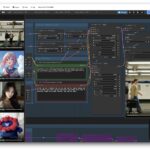
Qwen Image / Image Editと比較すると、Flux.2 Devは1つで画像生成も編集もできてクオリティがかなり高い感じですね。ちょっと時間がかかるのが難点ですが、最新のプロセッサーを使えば速くなるでしょうし、NVIDIA GPUを使えばずっと速いのでしょうね。

せっかくなのでWan2.2 Text to Videoでも、最初の画像生成時のプロンプトとほぼ同じもの(文字表示は削除)を使って、動画生成してみました。

480×480の5秒動画で約30分かかりました。ちょっと大味な感じですね。

Wan2.2 Image to Videoで、Flux.2 Devで生成した画像を動かしてみました。プロンプトは上記と同じで特に動作を指示していません。

480×480の5秒動画で約60分かかりました。Text to Videoより画像が精細になって良い感じです。タイトルも途中で消す芸の細かさ。雪が店内にも降っている感じがしますね。

Flux.2 Devで生成したもう一つの画像も動かしてみました。プロンプトは画像生成時と同じで特に動作を指示していません。

良い感じですが、室内に雪が降ってしまいました。

Qwen Image Editで生成した画像も動かしてみました。

こちらも良い感じですが、まさかグラスを2つ持っていたとはw
Flux.2 Devはキャラクターの一貫性も高そうですし、編集機能もなかなか良い感じなので、Flux.2 DevとWan2.2を組み合わせれば、少し凝った動画なども作れそうですね。